How visitors discover more about your collection and why it matters
Smartify gives visitors four intuitive ways to discover more about what's on display: object recognition, numpad, search and QR code.

Martin Jefferies
Head of Marketing and CRM
4 min read
•
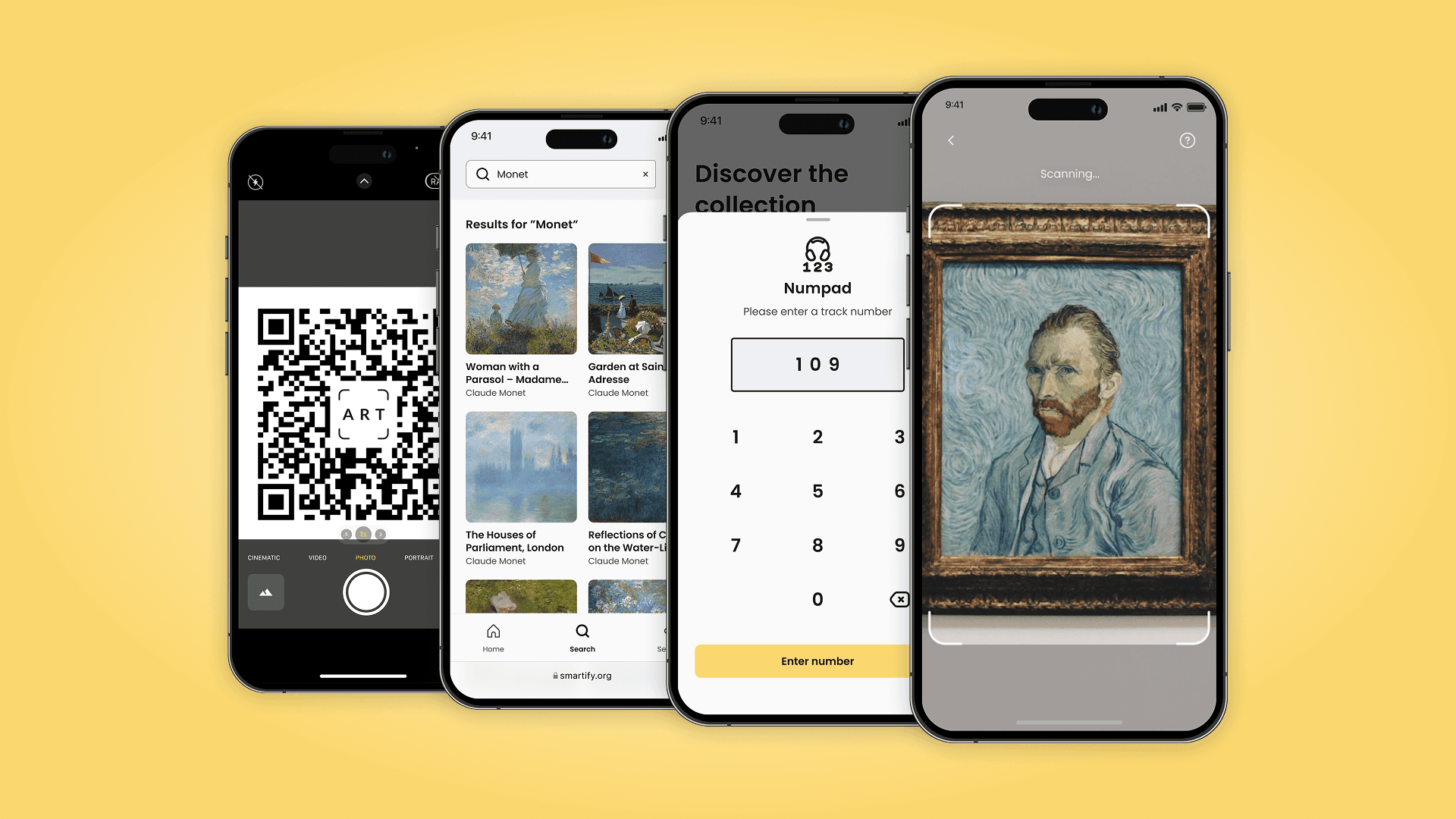
The moment a visitor stops in front of something that catches their eye – that's when Smartify steps in. And with multiple ways to discover more, every visitor can engage on their own terms.
But what does that actually look like in practice? And why does offering multiple access points to collection content make such a difference to the visitor experience?
Traditional interpretation has limits. Labels can't go everywhere. Printed guides go out of date. Audio handsets need to be issued, returned and cleaned. Digital interpretation removes most of those constraints.
Why one-size-fits-all doesn't work in cultural venues
Every museum, gallery, and heritage site is different. A modern art gallery has different interpretation needs than a historic country house. A science museum presents different challenges than an archaeological site. And within any single venue, visitors themselves vary enormously: in age, language, prior knowledge and how much time they have.
Traditional interpretation, such as wall labels, printed guides and audio handsets, does a remarkable job, but it has limits. Labels can't go everywhere. Printed guides go out of date. Audio handsets need to be issued, returned and cleaned.
Digital interpretation through a visitor's own smartphone removes most of those constraints. But only if visitors can actually access the content they want, easily and instinctively, in the moment they want it.
That's why Smartify offers four distinct ways for visitors to discover more about what's on display.
Four ways visitors can access collection content
1. Object recognition
Point a phone at a painting, sculpture or artefact and Smartify identifies it, instantly surfacing audio, video, text, or AR content related to that specific object.
Object recognition works particularly well for 2D artworks and 3D objects in venues where wall space is limited, or where physical labels would interrupt the aesthetic of the display. It's also highly intuitive for visitors who are already accustomed to using their phone camera to interact with the world around them.
Best suited to: Art galleries, museums with dense collections, temporary exhibitions, historic houses.
2. Numpad
Visitors enter a track number, displayed on a label, plinth or printed guide, to pull up the relevant content immediately.
The numpad is particularly effective in venues with a linear or guided route, where numbered stops map to specific objects or areas. It also makes it straightforward to link a Smartify audio guide to existing physical interpretation, without replacing it.
Best suited to: Heritage sites, sculpture parks, venues with established numbered audio guide routes, history museums.
3. Search
Visitors can search for a specific object by name, or explore everything in the collection by a particular artist, maker or period.
Search gives visitors agency, especially those who arrive with prior knowledge or who want to find something they spotted earlier. It also opens up the collection beyond what's physically on display, letting visitors discover related works, context or stories they wouldn't otherwise encounter.
Best suited to: Venues with large or complex collections, galleries with permanent and rotating displays, institutions with significant digital collection catalogues.
4. QR code
A QR code placed near an object, on a label or in a printed guide opens the relevant content directly. No app needed or searching required.
QR codes are particularly useful in venues where visitors may not yet have the Smartify web app open, or where a specific object requires its own direct entry point regardless of the broader visitor journey.
Best suited to: Temporary exhibitions, loan objects, featured highlights, venues integrating Smartify alongside existing printed materials.
Frequently Asked Questions
Do visitors need to download an app to use Smartify? No. Smartify runs as a web app in the browser – visitors don't need to download anything. QR codes and links open the experience directly.
Can venues use more than one access method? Yes, and many do. The four access methods are complementary, not competing. A venue might use object recognition in the main galleries, a numpad for an audio guide route and QR codes for featured highlights or a temporary exhibition.
Does Smartify work for objects that are hard to photograph? Yes. Object recognition is effective even where objects are in reflective display cases or low-light galleries, but the numpad or QR code provide a reliable alternative.
Can Smartify support multiple languages? Yes. Content on Smartify can be delivered in multiple languages, allowing visitors to engage with the collection in their preferred language regardless of which access method they use.
What types of content can Smartify surface? Audio guides, video, text, image galleries, AR experiences, curator commentary, accessibility content and more, all linked to specific objects or areas within a venue.
The outcome that matters
The four access methods aren't the story. The story is what happens when a visitor finds them useful: they slow down, engage and learn something they didn't expect to learn. They leave knowing more than when they walked in.
That's the outcome Smartify is designed to support – for every visitors in venues of every kind.
More stories

Limited capacity shouldn't mean limited access: audio description tours for major exhibitions

Ulrich Museum of Art launches interactive digital maps with Smartify
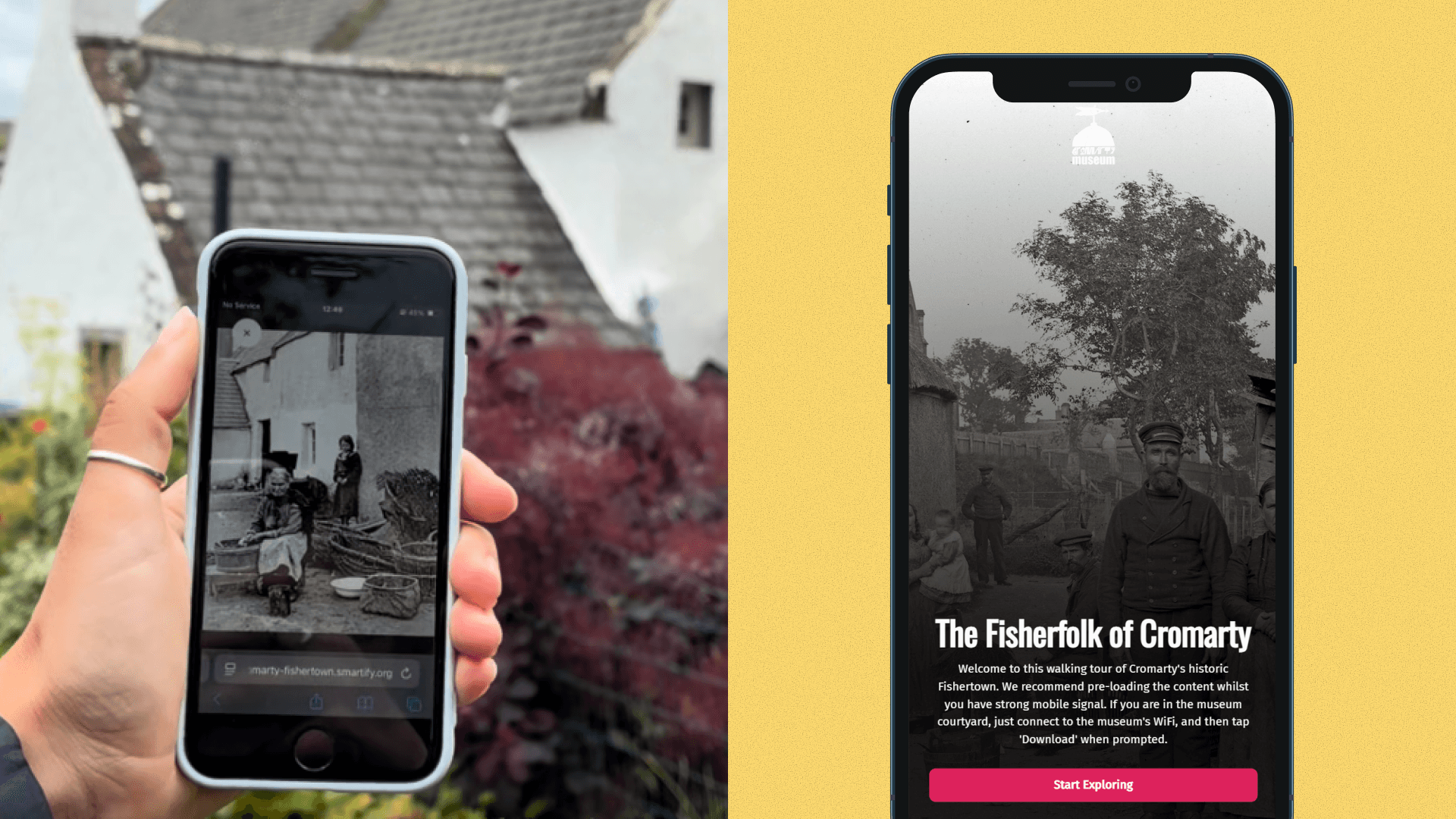
Historic photographs come to life in new community-created augmented reality experience

Bodleian Libraries launches new Outdoor Audio Trail with Smartify

Horniman Museum and Gardens launches playful AR trail with Smartify