BYOD, native apps and devices: choosing the right digital guide strategy
The right digital guide strategy depends on your visitors, your building, and your operational reality. Here's how to evaluate BYOD versus devices, apps versus web, and why most museums are moving toward hybrid approaches.

Thanos Kokkiniotis
CEO and Co-Founder
8 min read
•
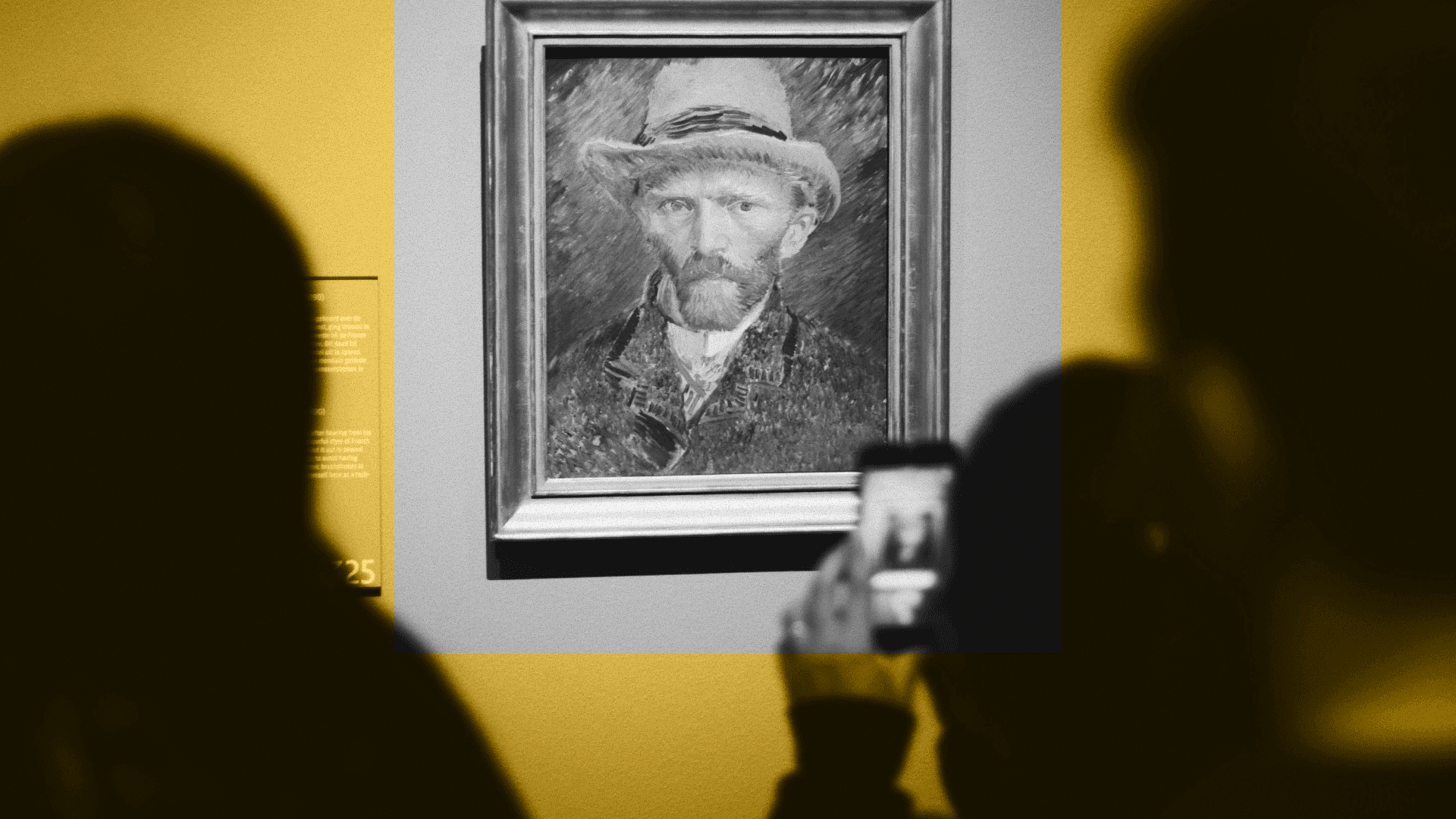
Photo by Ståle Grut on Unsplash
Every museum considering digital interpretation faces the same foundational questions: Should visitors use their own phones or institution-provided devices? Should we build a native app or use web-based technology? The answers shape everything from visitor experience to operational costs to accessibility outcomes.
These aren't purely technical decisions. They're strategic choices that reflect how an institution balances visitor expectations, staff capacity, and budget realities. And increasingly, they're choices that don't require picking one option exclusively.
Bring your own device versus provided hardware
The BYOD versus devices debate has been running since smartphones became ubiquitous, and both approaches have genuine merits – and real limitations.
BYOD advantages are immediately apparent. Visitors already carry smartphones, eliminating hardware procurement and maintenance costs. There's no queue for devices, no check-out process, no liability concerns about lost or damaged equipment. Visitors use interfaces they already understand, in languages their phones are already set to, with accessibility features they've already configured. For institutions, the operational simplicity is compelling: no devices to charge overnight, clean between uses, or troubleshoot when they inevitably malfunction.
But BYOD drawbacks deserve honest examination. Not all visitors own smartphones, and those who do don't necessarily want to drain their battery exploring your collection. Older devices may struggle with AR features or high-quality media. Connectivity varies wildly – some visitors disable mobile data abroad or simply have poor signal in older buildings with thick walls. Screen sizes differ dramatically, creating inconsistent experiences. And perhaps most significantly, asking visitors to download an app creates friction that a substantial portion simply won't overcome.
Provided devices solve these problems directly. Every visitor gets identical hardware with guaranteed performance. Battery life becomes the institution's responsibility, not a visitor concern. Connectivity is controlled and reliable. Screen sizes and interaction patterns stay consistent. Accessibility features can be standardized and well-supported. For experiences requiring AR, VR, or other hardware-intensive features, provided devices ensure everyone can participate.
The operational burden, however, is substantial. Devices need purchasing, which means significant capital expenditure upfront. They require nightly charging, regular cleaning, software updates, and eventual replacement. Staff must manage check-out and return processes, troubleshoot problems, and handle lost or damaged units. Storage space is needed, often in already-constrained environments. And critically, device fleets scale poorly – doubling your visitor numbers means doubling your hardware investment and staffing requirements.
Why progressive web apps matter in cultural contexts
The native app versus web app debate once felt settled: native apps offered superior performance and features, justifying the friction of downloads. Progressive web apps (PWAs) have fundamentally shifted that calculation, particularly for museums.
PWAs bridge the gap between web accessibility and app-like functionality. Visitors access them through browsers without downloading anything, yet they can work offline, send notifications, and access device features like cameras for AR experiences. For institutions, this means reaching visitors who won't download a dedicated app, which research consistently shows is most people visiting most museums.
The cultural context amplifies these benefits. Museum visits are often spontaneous or infrequent. Asking someone to download an app for a single visit, particularly tourists with limited data or storage, creates a significant barrier. PWAs remove that friction entirely while still enabling sophisticated digital interpretation.
Offline capability proves particularly valuable for PWAs in museum settings. Once loaded, content remains available even when connectivity drops – a common occurrence in historic buildings or underground galleries. Visitors aren't suddenly cut off from interpretation mid-visit because they entered a WiFi dead zone.
Development efficiency matters too. PWAs use a single codebase that works across iOS, Android, and desktop browsers, rather than requiring separate native apps for each platform. Updates deploy instantly without app store approval delays. Analytics and content changes happen server-side, giving institutions real-time control.
Native apps retain advantages for certain use cases: better performance for processor-intensive AR; deeper device integration; and familiar presence on home screens. But for most museum digital guide applications, PWAs now deliver comparable experiences with dramatically lower barriers to access.
<!-- CTA block -->
Accessibility implications that shape strategy
Digital guide technology choices have direct accessibility consequences that extend far beyond legal compliance.
Device-based approaches allow institutions to ensure all hardware meets accessibility standards: screen readers properly configured, appropriate screen sizes, headphone jacks or Bluetooth connectivity for audio description, and tactile features where relevant. Staff can provide specific guidance on accessible features because the technology is consistent and controlled.
BYOD approaches rely on visitors' existing accessibility configurations, which can be an advantage – many disabled visitors have extensively customized their devices – or a limitation when your content doesn't work with their particular setup. You're depending on visitor device quality and their technical knowledge to enable features.
PWAs offer particular accessibility benefits because they inherit browser accessibility features automatically and updates to improve accessibility deploy immediately to all users. Native apps require users to download updates, creating lag time where some visitors experience outdated, less accessible versions.
Offline considerations intersect with accessibility in ways often overlooked. Visitors with cognitive disabilities may need to review content at their own pace without worrying about connectivity. Visitors who process information differently benefit from being able to revisit audio descriptions or visual content repeatedly without data concerns.
The most accessible approach often combines strategies: provided devices available for those who need them or prefer them, BYOD options for those whose phones already meet their needs, and web-based technology that works across both.
Total cost of ownership: beyond the sticker price
Initial costs tell only part of the story. Understanding the full financial picture requires examining ongoing expenses and hidden operational impacts.
Hardware procurement creates obvious upfront costs, but device management generates continuous expense. Staff time for charging, cleaning, troubleshooting, and managing check-out processes accumulates. Replacement cycles mean significant costs every three to four years as devices become obsolete or worn. Loss and damage create unpredictable expenses. Storage infrastructure and charging stations add facilities costs.
BYOD approaches shift costs to visitors while creating different institutional expenses. WiFi infrastructure must handle peak loads reliably. QR codes or NFC triggers need designing, printing, and installing. Support materials help visitors access the technology successfully. Some institutions find visitor services staff spend considerable time helping people connect, troubleshoot, or understand how to access content on varied devices.
Native app development involves higher initial costs – building and maintaining separate iOS and Android versions – plus ongoing app store management, update deployment, and version fragmentation as some visitors use outdated versions. Marketing becomes necessary to drive downloads before visits even begin.
PWAs reduce ongoing technical costs through single-codebase development and instant updates, though initial development still requires investment. Content management and server hosting create recurring expenses regardless of approach.
Hybrid strategies add complexity costs. Managing both hardware fleets and BYOD options means supporting multiple workflows, but the flexibility often justifies this expense by serving more visitor types effectively.
The lowest total cost of ownership typically emerges from starting with BYOD and PWA technology, then adding provided devices selectively for specific needs rather than as the default option.
Why hybrid approaches are increasingly common
The maturation of museum digital interpretation has revealed a pattern: institutions that started with single-approach strategies – BYOD only or devices only – increasingly adopt hybrid models.
Visitor diversity drives this shift. Some visitors prefer using their own devices; others appreciate institution-provided hardware. Some have accessibility needs best met through controlled devices; others rely on their extensively customized personal technology. International tourists may resist using mobile data; local visitors expect WiFi-dependent experiences. School groups benefit from identical devices for classroom management; individual visitors value flexibility.
Technology capabilities enable flexibility that wasn't previously practical. QR codes can trigger both app downloads and direct web experiences. The same content can deploy to provided devices running the institution's app and visitors' personal devices accessing a PWA. Seamless transitions between hardware and BYOD become possible when content lives in the cloud rather than being device-locked.
Operational learning shapes strategy. Museums discover that hardware fleets work well for specific galleries requiring AR or VR but prove unnecessary for straightforward audio interpretation. Institutions find BYOD reaches most visitors effectively while a small device pool serves those without smartphones or with accessibility requirements.
Hybrid models practically might look like:
Core interpretation available via PWA for BYOD visitors, with device loans for those who need them
Specialized AR/VR experiences using provided hardware, standard audio guides via visitor phones
QR codes throughout that work for both approaches, launching web experiences for BYOD visitors and triggering device-stored content for provided hardware
Temporary exhibitions using devices for controlled, immersive experiences while permanent collections rely on BYOD flexibility
The common thread is matching technology to context rather than applying one-size-fits-all solutions.
Choosing your strategy
The right digital guide approach emerges from institutional context, not abstract best practices.
Start with visitor composition and behaviour. How many visitors own smartphones? What percentage are international tourists concerned about data usage? Do school groups form a significant portion of attendance? Are accessibility needs diverse enough to require controlled device options?
Consider your physical environment. Do historic buildings create connectivity challenges? Is gallery space available for device storage and charging? Can front-of-house staff manage check-out processes during peak times?
Assess your interpretive ambitions. Do planned experiences require hardware-intensive features like high-quality AR? Is offline access essential? How frequently will content update?
Evaluate operational capacity honestly. Can staff support device management? Do budgets accommodate hardware replacement cycles? Is technical expertise available for troubleshooting?
Most institutions find optimal strategies combine approaches: BYOD as the default path serving most visitors, with devices available for specific use cases or visitor needs. PWAs for accessibility and low friction, with native apps only when technical requirements truly justify them.
The goal isn't choosing the most impressive technology. It's selecting the approach that serves your visitors effectively while operating sustainably within your institutional reality.
Smartify designs digital guide systems that work how your museum works, whether that's BYOD, devices, hybrid approaches, or strategies that evolve as your needs change.
Explore digital guide systems built for flexibility
More stories

Limited capacity shouldn't mean limited access: audio description tours for major exhibitions

Ulrich Museum of Art launches interactive digital maps with Smartify
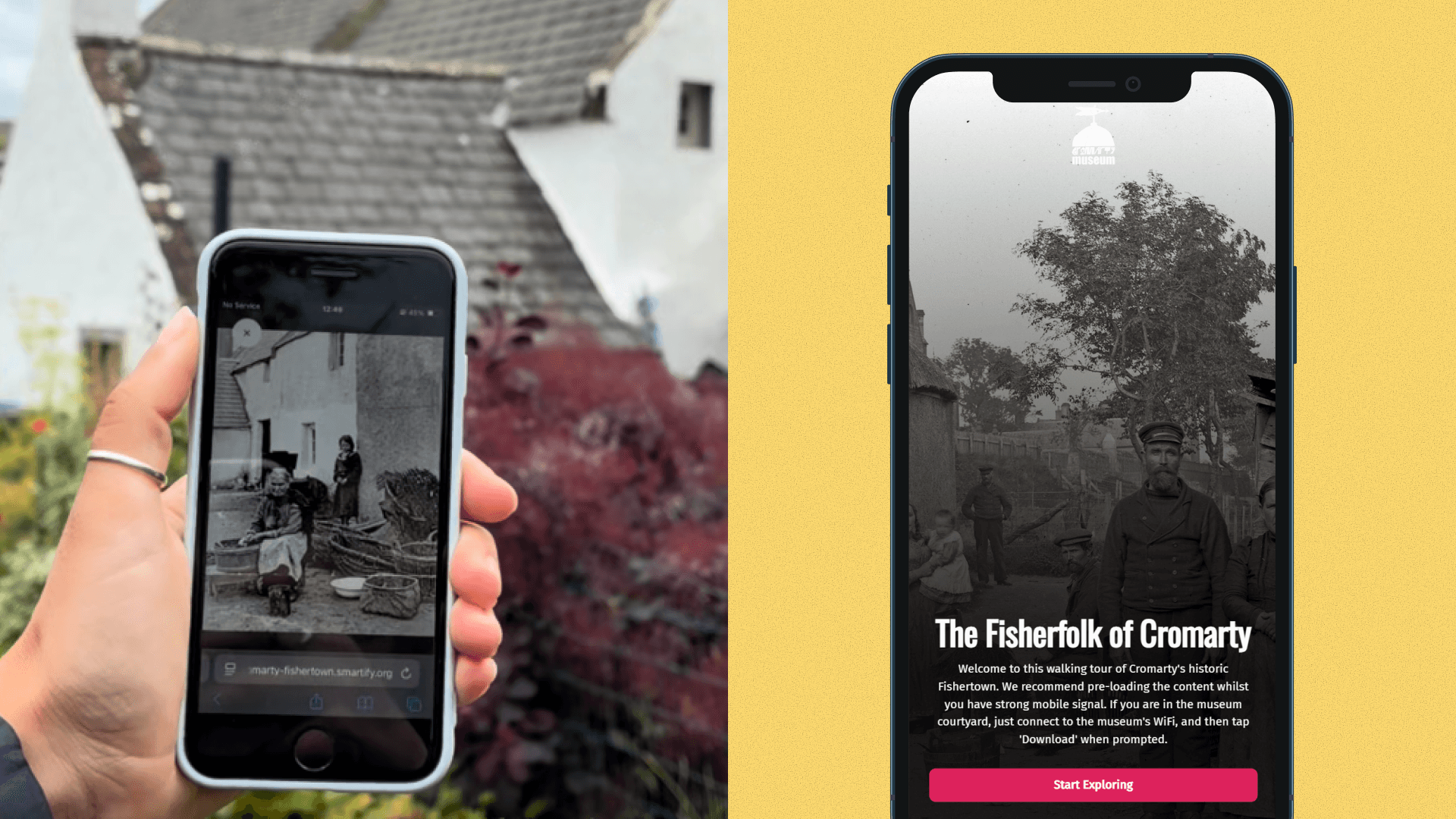
Historic photographs come to life in new community-created augmented reality experience

Bodleian Libraries launches new Outdoor Audio Trail with Smartify

Horniman Museum and Gardens launches playful AR trail with Smartify