What makes a museum-grade device (and why consumer tablets usually fail)
Consumer tablets look like a budget-friendly choice – until they start failing after six months of museum use. Here's why purpose-built devices cost less in the long run band what "museum-grade" actually means.

Martin Jefferies
Head of Marketing and CRM
10 min read
•

Photo by Vanessa Zhu on Unsplash
The numbers look tempting: consumer tablets cost a fraction of purpose-built museum devices, and they can run the same software. Why wouldn't an institution save thousands by outfitting their galleries with off-the-shelf iPads or Android tablets instead of ruggedised hardware designed specifically for cultural settings?
Museums that have tried this approach can answer that question in detail. Usually within six months.
The difference between consumer devices and museum-grade hardware isn't about capability on day one. It's about what happens on day three hundred—and whether your devices still function effectively when you're managing forty of them across five galleries with two front-of-house staff who have a dozen other responsibilities.
Consumer tablets are engineered for individual ownership and intermittent use. Museums require devices that withstand continuous operation, frequent handling by different people, and management at scale. These aren't the same design problems, and consumer solutions consistently underperform in institutional contexts.
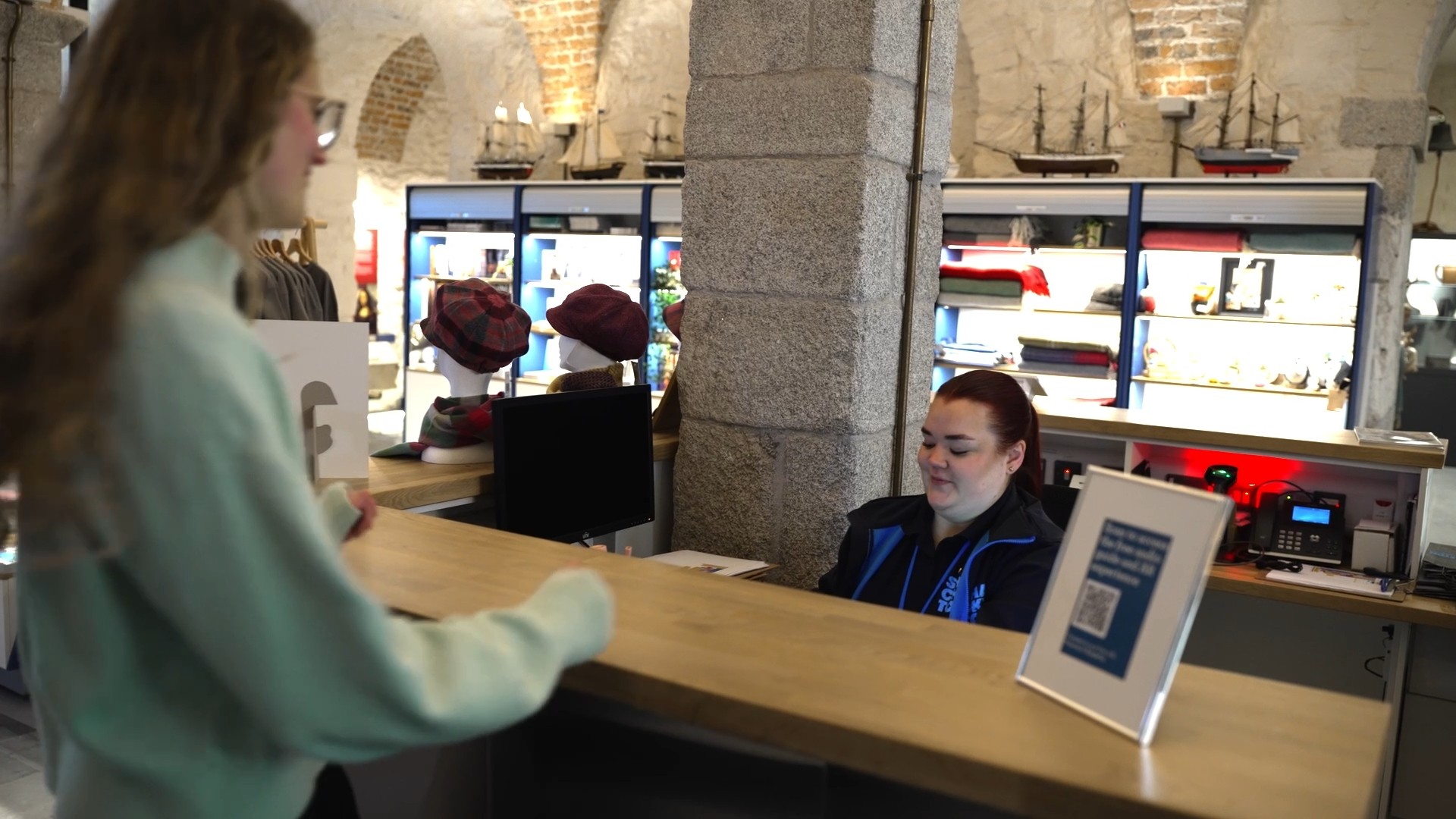
Collecting a device from the welcome desk at the Shackleton Museum
Battery life: the hidden operational burden
A consumer tablet's battery life looks impressive in specifications: ten hours of video playback, manufacturers claim. In museum reality, that figure becomes meaningless within weeks.
Batteries degrade with charge cycles. Consumer devices assume one user charging nightly. Museum devices undergo daily full discharge and recharge, accumulating charge cycles at rates consumer designs never anticipated. After six months of institutional use, that ten-hour battery commonly delivers five or six hours. After a year, you're lucky to reach four.
The operational impact compounds. Devices dying mid-day create visitor frustration and staff burden. You need spares charged and ready, which means buying more devices than your actual capacity requires. Staff must monitor battery levels and swap devices reactively rather than following planned workflows.
Museum-grade devices are built differently. Batteries are sized for institutional use patterns, not consumer specifications. Swappable battery designs let staff replace depleted batteries in seconds rather than taking devices out of circulation for charging. Battery management systems optimise for longevity over maximum capacity, because consistent performance across years matters more than impressive initial specifications.
Some ruggedised devices achieve 12-16 hour runtime even after a year of daily institutional use. That's not just convenient – it's the difference between devices that support your operation and devices that disrupt it.
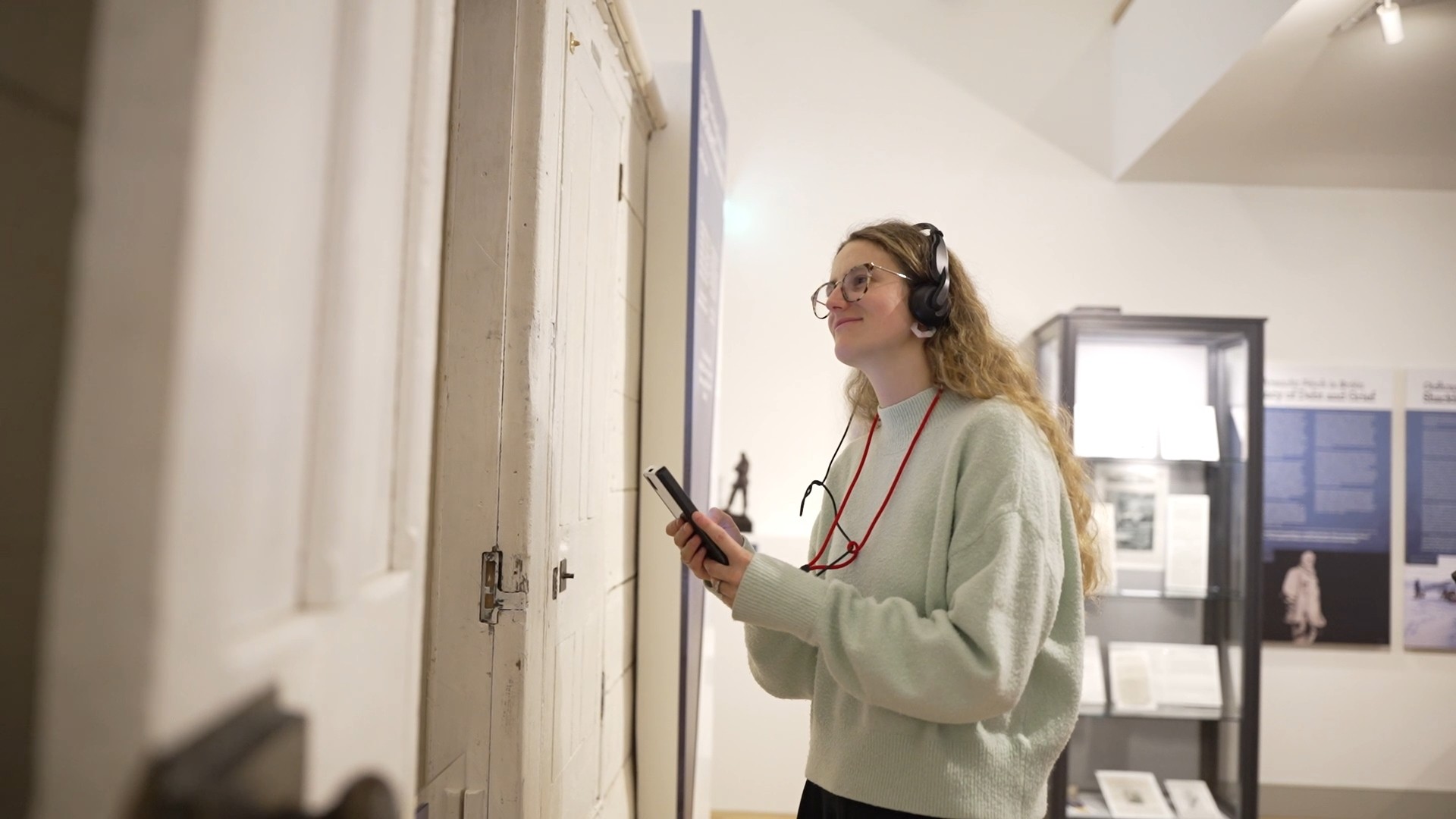
Smartify's devices are specifically designed for intensive daily use in museum settings
Hygiene and durability: when touch becomes a liability
Pre-pandemic, museum professionals understood that shared devices needed regular cleaning. Post-pandemic, hygiene has become a visitor expectation and operational necessity. Consumer tablets weren't designed for this reality.
Consumer device construction creates cleaning challenges. Seams between screens and bezels trap residue. Ports collect debris. Coatings degrade with alcohol-based cleaners, leaving screens cloudy or adhesives weakened. Speakers and microphones designed for occasional use clog with cleaning solution.
Cleaning protocols that maintain hygiene damage devices, or devices are under-cleaned to preserve them. Neither outcome is acceptable.
Museum-grade devices anticipate intensive cleaning. Sealed construction eliminates gaps where contaminants accumulate. IP67 or IP68 ratings mean devices can be wiped thoroughly with appropriate disinfectants without risking damage. Screens use coatings that withstand alcohol-based cleaners across thousands of applications. Port covers protect connections when cleaning requires more aggressive approaches.
Durability extends beyond cleaning. Shared devices get dropped, knocked against gallery furniture, handled carelessly. Consumer tablets use materials optimised for weight and aesthetics: aluminium that dents, glass that cracks, plastics that scratch visibly.
Ruggedised alternatives employ different engineering priorities. Reinforced corners absorb impact. Gorilla Glass or comparable materials resist scratching from keys, jewellerry, and other items in visitors' pockets. Rubberised grips reduce drops. When damage does occur, designs often allow component replacement rather than full device disposal.
The institutional calculation isn't whether devices will be damaged – it's how quickly, how expensively, and whether repairs disrupt operations.
<!-- CTA block -->
Mobile device management: control at scale
Managing a single tablet is straightforward. Managing forty becomes a specialised technical challenge that consumer devices handle poorly because they weren't designed for fleet deployment.
MDM (Mobile Device Management) capabilities vary dramatically between consumer and institutional hardware. Consumer tablets support basic MDM functions – app deployment, remote lock, location tracking – but lack features critical for museum operations.
Museums need kiosk modes that truly lock down devices. Visitors shouldn't access settings, download apps, or navigate away from the guide interface. Consumer tablets offer kiosk functionality that determined users can exit. Purpose-built devices provide lockdown that withstands tampering, preventing visitors from treating museum hardware like their personal tablets.
Content updates must deploy reliably across entire fleets simultaneously. Consumer tablets assume WiFi connectivity and user-initiated updates. Museum devices often operate in areas with limited connectivity and need centralised management that pushes updates overnight, verifies successful deployment, and alerts staff to failures.
Usage analytics inform operations. Museum-grade MDM provides granular data: which galleries see highest device usage, what content visitors engage with, when battery swaps typically become necessary, which devices are approaching failure. Consumer MDM offers basic usage statistics designed for individual accountability rather than operational optimisation.
Remote troubleshooting saves staff time. When a device malfunctions, IT staff should diagnose and often resolve issues without retrieving the physical unit. Enterprise MDM enables this; consumer solutions require hands-on intervention.
Security requirements differ. Museums handle visitor data through devices and need assurance that hardware meets institutional security policies. Consumer tablets receive security updates on manufacturers' consumer schedules. Enterprise devices follow security protocols with longer support commitments and faster patch deployment.
The MDM gap becomes apparent when you're managing dozens of devices with small IT teams. Consumer tablets can be managed at scale—but doing so requires constant attention that diverts staff from more valuable work.
Visitor throughput: when volume breaks consumer assumptions
A busy museum day might see two thousand visitors. If twenty percent use digital guides and average visit length is ninety minutes, you need devices circulating efficiently through hundreds of hands.
Consumer tablets aren't engineered for this use pattern. They assume personal ownership with periodic sharing. Museum devices experience continuous, sequential use by different people with varying technical comfort and varying care levels.
Physical interfaces suffer first. Home buttons wear out. Charging ports loosen from hundreds of daily connections. Headphone jacks fail. These are components rated for years of individual use, not months of institutional intensity.
Thermal management becomes problematic. Consumer tablets running video or AR content for hours generate heat. Individual users put devices down periodically; museum visitors often don't. Continuous operation in warm galleries accelerates thermal cycling that degrades batteries and components faster than consumer designs anticipate.
Check-out and return workflows need supporting. Consumer tablets lack features that streamline high-throughput operations. Purpose-built devices might include indicator lights showing charge status, dock connectors that align easily even when staff are busy, or RFID tags enabling quick inventory checks.
The difference isn't whether consumer devices can handle museum throughput on a quiet Tuesday – they can. It's whether they remain reliable during your busiest months when replacement downtime is most disruptive.
Staff workflows: designed for institutions, not individuals
The museum professionals managing device fleets aren't IT specialists. They're visitor services coordinators, gallery assistants, educators with device responsibilities added to existing roles.
Consumer tablets assume technical competence that isn't reasonable to expect from staff managing check-out desks, leading tours, and responding to visitor questions simultaneously. Troubleshooting consumer devices often requires menus, settings, and technical knowledge that institutional staff shouldn't need.
Museum-grade devices prioritise operational simplicity. Battery swaps happen without tools. Charging docks provide clear visual indicators. Restart procedures are single-button rather than multi-step. Device management interfaces use institutional language rather than consumer jargon.
Physical design supports workflows. Handles, grips, or lanyards designed for museum use make devices easier to distribute, collect, and carry. Charging solutions accommodate the reality that devices return to bases irregularly, not neatly at closing time. Storage cases fit institutional spaces rather than bedroom nightstands.
Standardisation reduces cognitive load. When all devices are identical museum-grade hardware, staff learn one set of procedures. Consumer deployments often involve mixed generations of tablets as budgets allow replacement—each with slightly different interfaces, capabilities, and quirks.
The institutional cost of difficult device management isn't always obvious in budgets, but it appears in staff frustration, operational errors, and time diverted from visitor service to technology troubleshooting.
Long-term cost versus upfront cost
The financial case for consumer tablets depends entirely on whether you're calculating properly.
Initial procurement clearly favours consumer devices. A good consumer tablet costs £300-500. A ruggedised institutional equivalent might cost £800-1,200. For a 40-device fleet, that's a £20,000-28,000 difference upfront.
But replacement cycles tell a different story. Consumer tablets in institutional use typically need replacing every 18-24 months as batteries degrade, components fail, and physical damage accumulates. Museum-grade devices commonly last four or five years before requiring replacement.
Over five years, consumer tablets require two or three complete fleet replacements. The upfront savings disappear.
Operational costs accumulate invisibly. Staff time troubleshooting consumer device issues, managing more frequent charging cycles, and handling visitor frustration when devices fail represents real expense even when it doesn't appear in device budgets. Device downtime during busy periods creates opportunity costs as visitors who would use guides can't access them.
Maintenance and repair costs differ. Consumer tablets are rarely economical to repair – replacement becomes the default. Purpose-built devices often allow component replacement: new batteries, replacement screens, port repairs. Manufacturers support institutional repair programs rather than assuming disposal.
MDM and software costs scale with device counts. If consumer devices require replacement every two years versus four years for museum-grade alternatives, you're paying MDM licensing for larger average fleet sizes to maintain the same operational capacity.
True total cost of ownership includes purchase price, replacement cycles, staff time for management, lost revenue from device downtime, and operational complexity costs. When calculated honestly, consumer tablets often cost more over institutional planning horizons, while delivering inferior visitor and staff experiences.
When consumer tablets might work
This isn't an absolute condemnation of consumer hardware in museums. Specific contexts might justify their use.
Very small institutions with limited budgets and low visitor numbers might find consumer tablets adequate. When you're managing five devices serving hundreds rather than thousands of weekly visitors, degradation rates stay manageable and replacement costs remain minor.
Pilot programs testing digital interpretation before full commitment might sensibly use consumer hardware. Better to validate demand and content approaches with affordable devices before investing in institutional hardware.
Temporary exhibitions with defined end dates might not justify museum-grade device costs. If devices will be decommissioned in six months regardless, consumer hardware provides adequate temporary service.
But for permanent digital guide programs in institutions with significant visitor numbers, the calculation consistently favours purpose-built solutions. The institutional contexts museums operate within – continuous use, multiple handlers, hygiene requirements, fleet management, limited IT support – align with the engineering priorities of museum-grade devices and contradict consumer tablet design assumptions.
Choosing devices that match institutional reality
Effective device selection starts with honest assessment of your operational context, not feature comparisons or price points.
How many visitors will use devices daily? What's your peak throughput? How many staff will manage the fleet, and what's their technical expertise? What are your hygiene protocols? How much space exists for charging and storage? What's your replacement budget cadence?
Consumer tablets optimise for individual ownership and periodic use. Museum-grade devices optimise for institutional operation and continuous service. Your context determines which engineering priorities matter.
Smartify works with devices engineered for museums because we've seen what happens when institutions try adapting consumer solutions to institutional needs. The initial savings don't survive contact with operational reality.
The right hardware isn't the cheapest upfront – it's what still works reliably three years in, with the same staff managing it and visitors depending on it.
Explore hardware solutions designed for institutional reality
More stories

Limited capacity shouldn't mean limited access: audio description tours for major exhibitions

Ulrich Museum of Art launches interactive digital maps with Smartify

Historic photographs come to life in new community-created augmented reality experience

Bodleian Libraries launches new Outdoor Audio Trail with Smartify

Horniman Museum and Gardens launches playful AR trail with Smartify