Designing for access from the start, not as an afterthought
Accessibility in museums and galleries is often treated as a compliance issue or final-stage addition. But when access is designed in from the beginning, it creates better experiences for everyone, not just visitors with specific needs.

Thanos Kokkiniotis
CEO and Co-Founder
5 min read
•
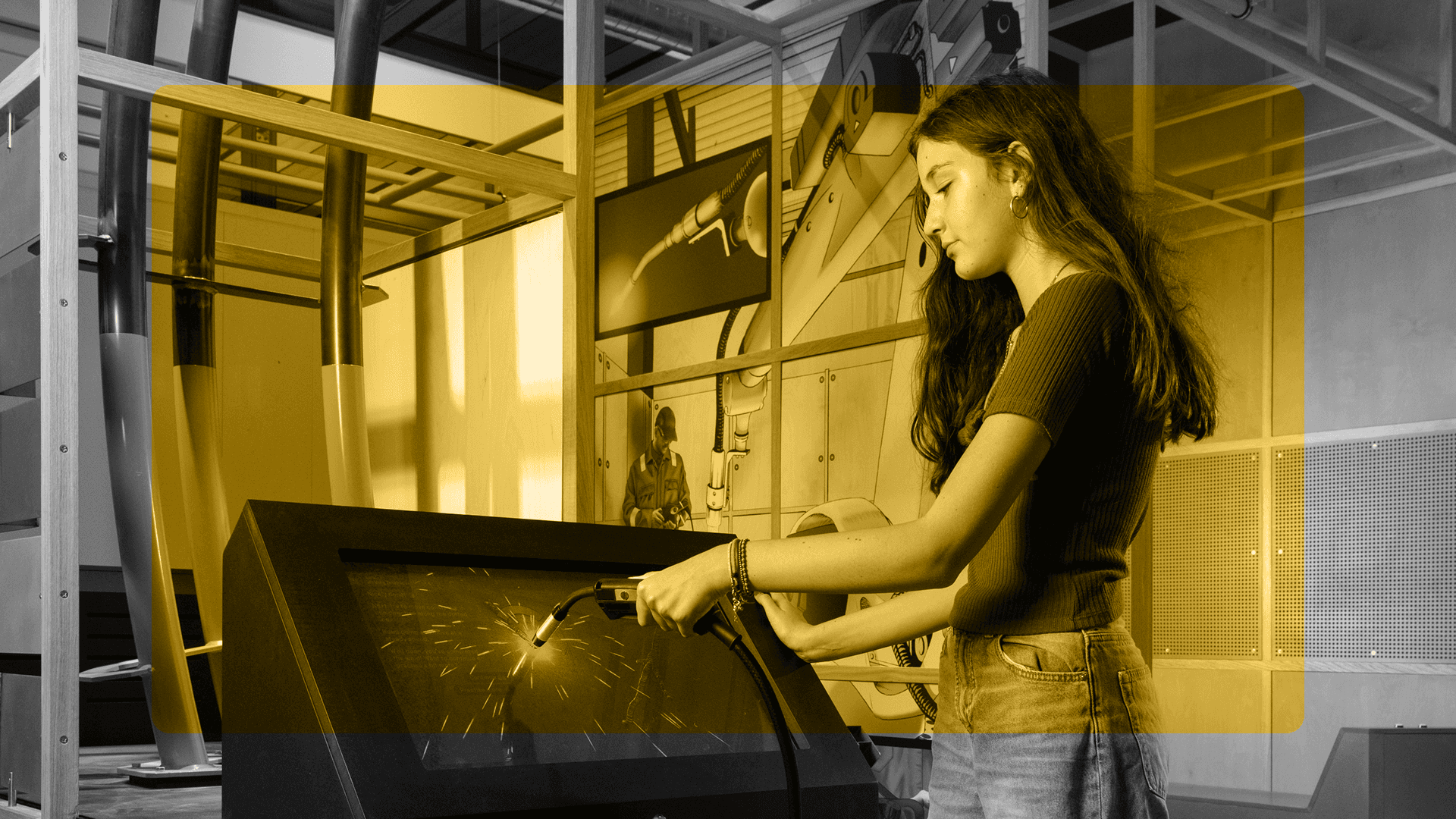
A visitor tries out their welding skills in Technicians The David Sainsbury Gallery © Science Museum Group
Accessibility in cultural spaces is often framed as a compliance issue; something to be ticked off a list, addressed in the final stages of a project, or handled by a separate team. But when access is treated as an afterthought, it becomes exactly that: an addition, rather than an integral part of the experience. The result is often a fragmented visitor journey, where accessible features feel bolted on rather than woven in.
True accessibility isn't about meeting minimum standards. It's about designing experiences that work for the widest possible range of people from the outset. And increasingly, it's about recognising that digital tools, when designed thoughtfully, can be powerful enablers of access in physical cultural spaces.
The institutions making the most progress on accessibility are those asking not "what do we have to do?" but "what's possible if we design for flexibility from the start?"
Why accessibility still gets treated as "extra"
Part of the problem lies in how accessibility is often discussed. The language of compliance – WCAG levels, legal requirements, audit checklists – positions access as a technical hurdle rather than a creative opportunity. While standards are important, they represent a baseline, not a destination. An experience can be technically compliant and still frustratingly difficult to use.
The danger of retrofitting access becomes clear when institutions try to add accessible features to an already-finished product. Audio description written after a film is complete. Captions added to a video that wasn't scripted with them in mind. Tactile elements introduced to an exhibition that was never spatially designed to accommodate them. Each of these scenarios creates more work, more cost, and often, a lesser experience than if access had been considered from the beginning.
Minimum standards, by definition, aim for the floor rather than the ceiling. They tell you what you must do to avoid legal risk, but they don't inspire you to create something genuinely inclusive. The institutions making the most progress on accessibility are those asking not "what do we have to do?" but "what's possible if we design for flexibility from the start?"
<!-- CTA block -->
Access benefits everyone (not just specific audiences)
One of the most persistent myths about accessibility is that it serves a narrow, specialist audience. In reality, accessible design improves experiences for everyone – not as an unintended side effect, but as a direct result of thoughtful, flexible design.
Consider multimodal content: offering information in multiple formats (text, audio, visual) means visitors can choose how they engage. Someone with low vision might use audio. Someone in a noisy gallery might prefer reading. A parent with a sleeping child might use captions instead of sound. The same feature serves multiple needs.
Flexible pacing is another universal benefit. Not everyone wants or needs the same level of detail. Some visitors skim; others deep-dive. Some spend two minutes at an object; others spend twenty. Digital guides that allow people to move at their own speed, skip ahead, or revisit content, respect the reality that engagement isn't one-size-fits-all.
Choice and control matter enormously. When visitors can adjust text size, toggle between languages, or choose whether to receive notifications, they're not just accommodating specific access needs, they're tailoring the experience to their preferences, context, and comfort.
Reduced cognitive load benefits everyone, too. Clear language, logical navigation, and uncluttered interfaces make content easier to process. This is especially valuable in cultural spaces, where visitors are often managing multiple inputs: navigating unfamiliar buildings, processing new information, and making decisions about where to go next.
Digital access in real spaces
Digital accessibility guidance often assumes a desktop browsing experience. But in cultural venues, the context is entirely different. Visitors are moving, standing, distracted, and often contending with poor lighting or connectivity.
On-site needs differ from off-site ones. Someone planning a visit from home might want detailed information and route planning. Someone already in the building needs quick orientation and just-in-time content. Pre-visit access is as important as in-gallery access, especially for visitors who need to know in advance what to expect.
The BYOD (bring your own device) model has become standard in many institutions, offering flexibility and reducing hardware costs. But it assumes reliable connectivity, sufficient battery life, and a degree of digital confidence. For some visitors, institution-provided devices offer a more equitable solution, particularly when designed with accessibility features built in.
Offline and low-connectivity realities can't be ignored. Not every gallery has perfect WiFi. Not every visitor has a data plan. Digital experiences that require constant connectivity exclude people before they even begin. Progressive content loading, offline-first design, and clear signposting about technical requirements all make a difference.
Designing access into content, not around it
Accessible experiences start with content decisions, not technical fixes. Scriptwriting matters: clear, direct language works better than institutional jargon. Sentence structure, pacing, and tone all affect how easily content can be understood, and how well it works when converted to audio or translated.
Media choices have accessibility implications. A video without captions excludes deaf visitors. An audio guide without transcripts excludes deaf visitors. An image-only interpretive panel excludes blind visitors. But a thoughtfully designed digital guide that combines text, audio, and image description in a flexible format can serve all three.
Interface decisions – button size, colour contrast, navigation logic – determine whether someone can actually use your content. These aren't aesthetic preferences; they're usability fundamentals. An elegant interface that's impossible to navigate with a screen reader isn't elegant at all.
What we've learned working with real audiences
The best accessibility insights come from testing with actual users, not from assumptions or checklists. Museums that work with blind, deaf, and neurodiverse visitors during the design process – not just at the end – build better products. They discover what actually works, rather than what theoretically should work.
Iteration beats perfection. Accessible design isn't about getting everything right on the first try; it's about building in the capacity to learn and improve. An imperfect accessible feature that can be refined is more valuable than a polished inaccessible one.
Measuring impact beyond checklists means looking at actual use, not just compliance. Are people using the accessible features you've built? Are they completing their intended tasks? Are they returning? These questions reveal whether your accessibility efforts are making a real difference.
Inclusive design isn't a feature; it's a foundation. When access is built in from the start, everyone benefits.
Explore how Smartify supports accessible experiences
More stories

Limited capacity shouldn't mean limited access: audio description tours for major exhibitions

Ulrich Museum of Art launches interactive digital maps with Smartify
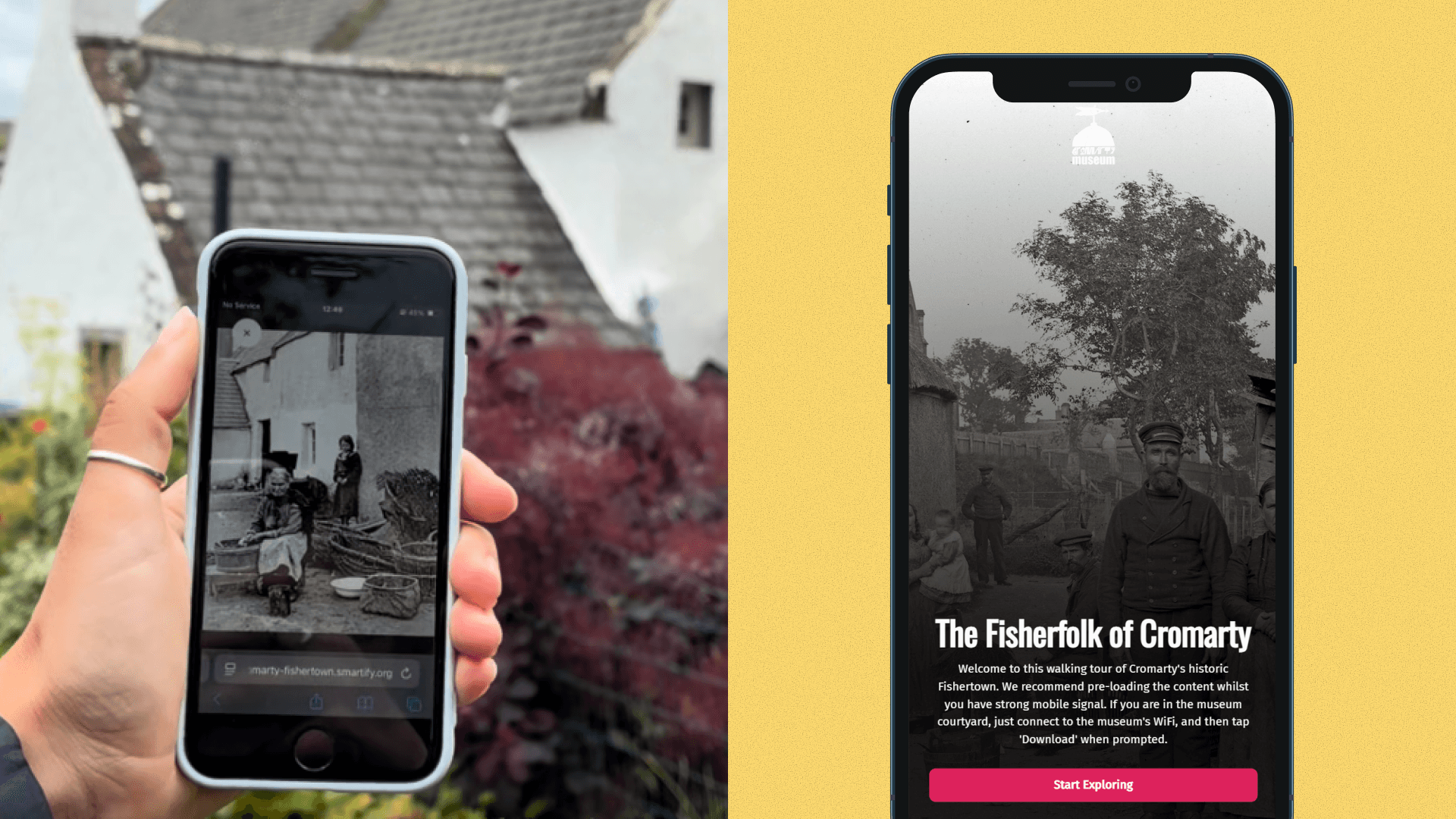
Historic photographs come to life in new community-created augmented reality experience

Bodleian Libraries launches new Outdoor Audio Trail with Smartify

Horniman Museum and Gardens launches playful AR trail with Smartify