Why most museum CMS platforms fail – and how to avoid it
Content experts waiting for IT approval. Analytics buried in separate dashboards. Generic structures that don't fit cultural interpretation. Here's why most museum CMS platforms create bottlenecks – and what actually works.

Thanos Kokkiniotis
CEO and Co-Founder
3 min read
•

Photo by Sergey Zolkin on Unsplash
The museum launches a sophisticated digital guide with a powerful-looking CMS. Six months later, updating a single audio track requires submitting IT tickets and waiting days for deployment. This isn't a technical failure – it's a design mismatch between how CMS platforms assume organisations work and how museums actually operate.
Content bottlenecks by design
Most CMS platforms were built for corporate websites or publishing contexts where centralised control makes sense: a small technical team manages everything, and creators submit content through request systems. This logic collapses in museums, where subject expertise lives in curatorial and education departments, not IT.
The curator who knows whether object dating is accurate can't access the CMS. The educator creating accessible content needs IT permission to publish. Updates that should take minutes extend to weeks because permission structures don't match institutional expertise. Effective museum CMS design inverts this: subject matter experts have direct access with appropriate role-based permissions, and technical oversight exists for system stability, not as an unintended approval layer.
Generic tools, awkward fits
Generic CMS platforms can technically accommodate museum needs through plugins and customisation. The question is whether they should. A blog post has standard fields – things like title, body, author, and date. Museum object interpretation needs curatorial commentary, provenance, audio description, multiple languages, accessibility notes, related objects, and gallery locations. These aren't blog posts with extra fields – they're fundamentally different content types.
Forcing museum content into generic structures means custom fields proliferate until interfaces become unusable, and essential functions like multilingual content or audio synchronisation become fragile add-ons. Museum-specific platforms should understand objects, galleries, tours, and accessibility natively, not grudgingly accommodate them through workarounds.
<!-- CTA block -->
Analytics disconnected from decisions
Most museum CMS platforms track what was published and when. Few track what visitors actually engage with, and fewer still surface that information where content decisions happen. Which audio stops do people listen to? Where do they abandon tours? Without integrated analytics, content teams operate on assumptions rather than evidence.
Separate analytics dashboards don't solve this. Insights need to appear where content decisions occur. When editing an audio stop, you should see completion rates. When planning tours, comparative data on existing content should inform design. Analytics shouldn't overwhelm creators; they should surface relevant insights at decision points so limited resources focus where they generate visitor value.
Serving operations, creative, and commercial simultaneously
Digital guides aren't single-department tools – they're organisational infrastructure. Operations needs reliability and quick problem resolution. Creative teams need flexibility to update interpretation without technical barriers. Commercial staff need promotional capabilities and impact measurement for funders.
CMS platforms that optimise for one perspective frustrate the others. Systems built for operational stability may restrict creative flexibility. Platforms focused on experimentation may compromise reliability. Museum-specific CMS design must balance these competing needs through role-based permissions, staging environments, and integrated analytics – not force institutions to choose between stability, agility, and measurement.
Designed for museum workflows
Smartify built its CMS by observing how museums actually work. Permission structures match institutional organisation – curatorial staff update objects, educators deploy learning content, marketing manages promotions, all without IT gatekeeping. Content types reflect interpretive realities natively. Analytics integrate where decisions happen. Deployment balances speed with safety through versioning and rollback.
Crucially, the system assumes limited technical resources. Most museums don't have dedicated IT for digital guides, so the CMS must be maintainable by people using it daily: visitor services coordinators, educators, curatorial assistants.
The best museum CMS isn't the most powerful platform – it's the one built for how cultural institutions actually operate, not retrofitted from corporate contexts.
Explore content management designed for museum workflows
More stories

Limited capacity shouldn't mean limited access: audio description tours for major exhibitions

Ulrich Museum of Art launches interactive digital maps with Smartify
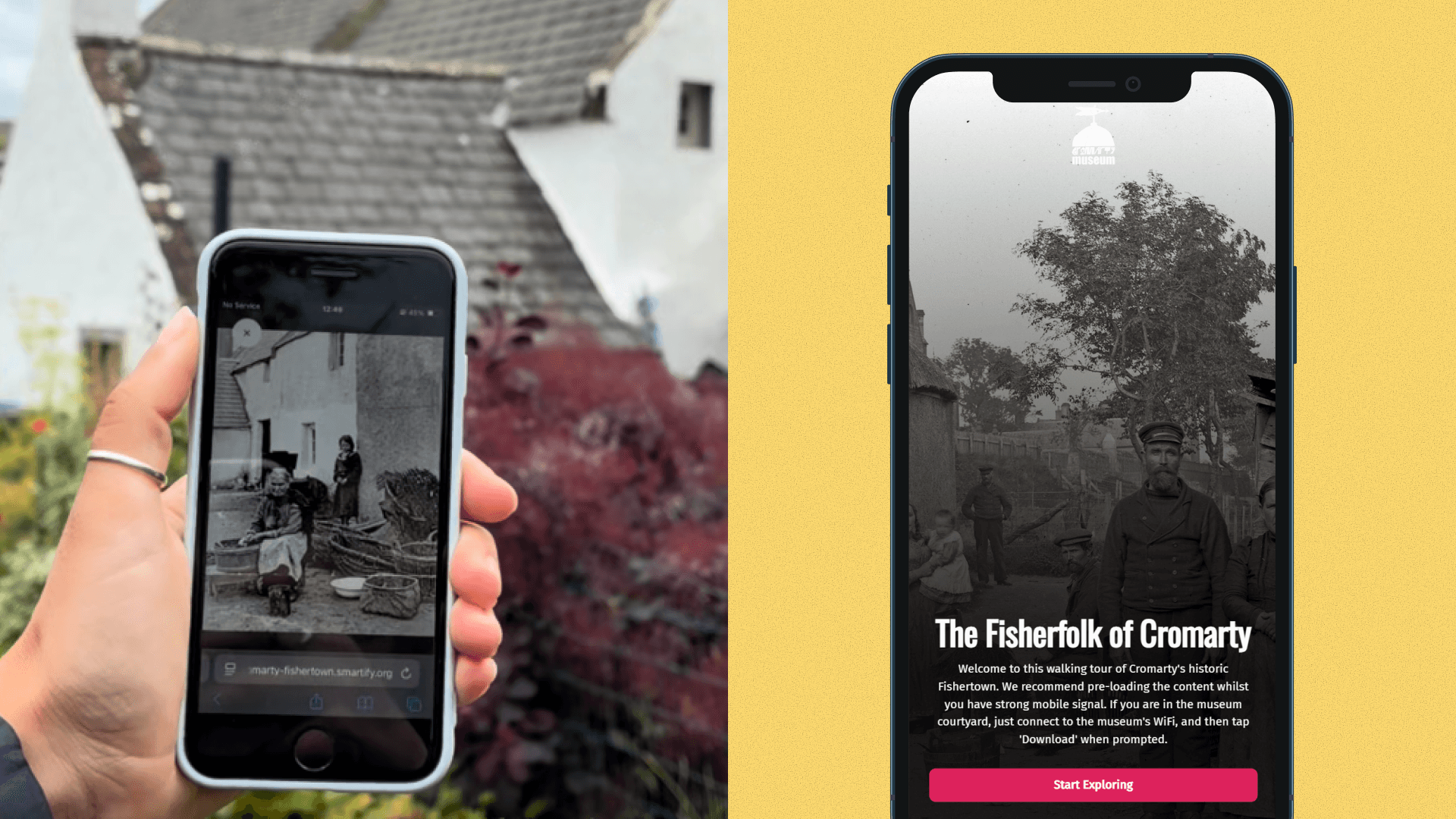
Historic photographs come to life in new community-created augmented reality experience

Bodleian Libraries launches new Outdoor Audio Trail with Smartify

Horniman Museum and Gardens launches playful AR trail with Smartify